
web
LocalFileLab
Private browser tools for conversion, PDFs, OCR, media and more – without file uploads or an account.
Private file processing directly in your browser
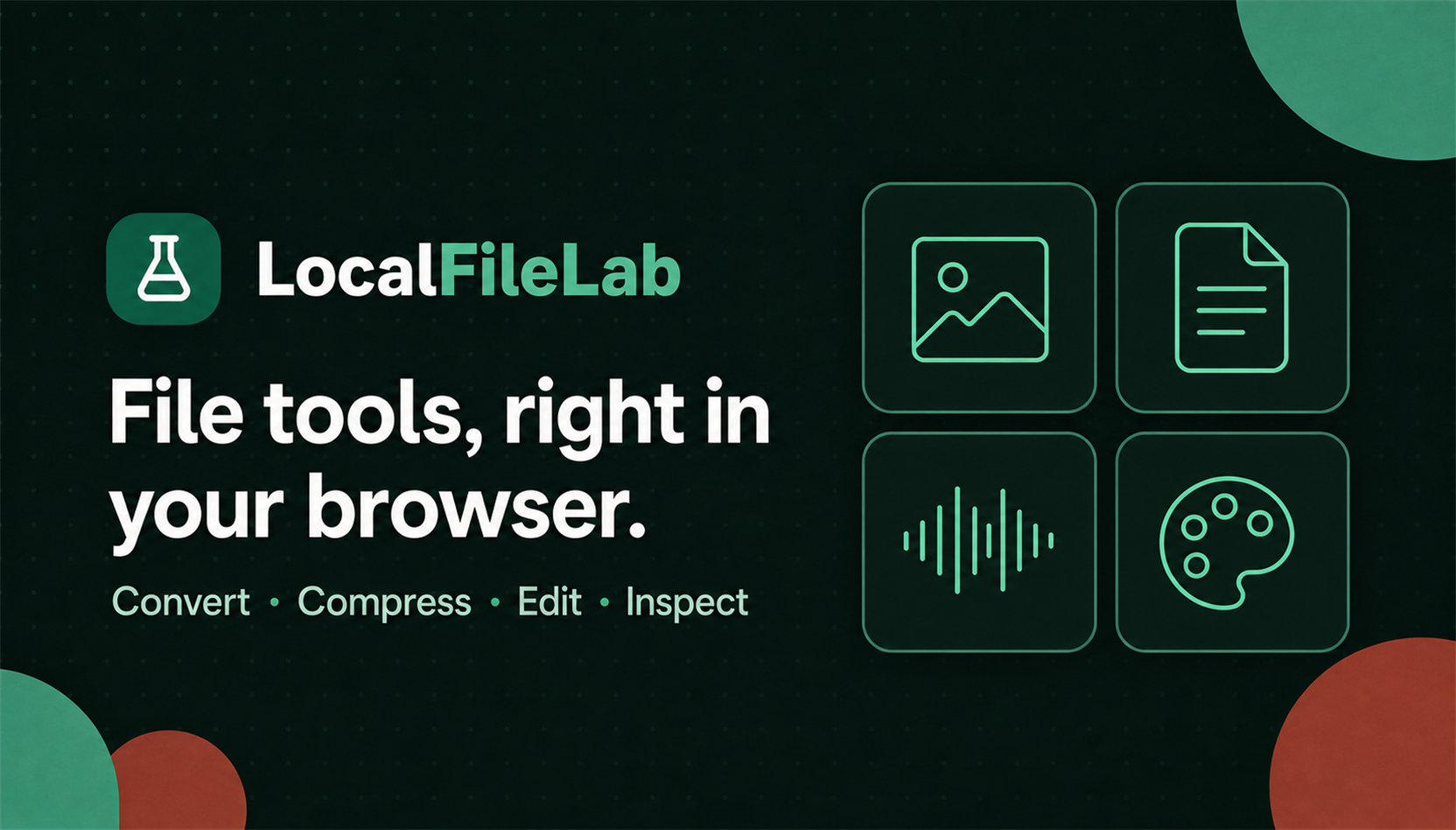
LocalFileLab is a browser-based toolbox by Crimson Anchor Interactive. It helps people convert, compress, inspect and process files without uploading the file contents to an external server. No user account or installation is required.
Why LocalFileLab was created
Many online tools first require an upload, process the file on a remote server and then provide a download. That workflow is convenient, but it is not always the right choice for personal documents, internal work files or content that has not yet been published.
LocalFileLab takes a different approach: its tools run directly in the browser. This keeps the workflow fast and straightforward while allowing users to retain control of the files they select.
Specialised studios for focused tasks
Instead of placing every option inside one overloaded interface, LocalFileLab organises its tools into specialised studios. Each studio focuses on a clearly defined task:
- Conversion and compression: change files into useful target formats or reduce their size.
- PDF and OCR: merge, split or rearrange PDF pages and recognise text in images and documents.
- Images and textures: process image files, analyse colours and prepare textures for digital projects.
- Spreadsheets and data: inspect, convert and prepare structured data for further use.
- Audio, video and fonts: work with media files and typefaces using focused tools.
- File organisation and security: inspect, batch rename or locally encrypt files.
Available options adapt to the selected file type. This keeps each studio clear and presents only the settings that are relevant to the current workflow.
Privacy by design
LocalFileLab has no upload endpoint for file contents. Selected files are processed in browser memory and do not leave the device for the actual operation. Temporary results are not stored in a personal cloud workspace and are discarded when the tab is closed.
Because processing happens locally, performance mainly depends on the device, file size and browser capabilities. The application uses modern browser APIs while providing practical fallbacks so that as many tools as possible remain available without special system configuration.
Many file types, one clear workflow
LocalFileLab covers a broad range of file types: images, documents, spreadsheets, text and data files, audio, video, archives, fonts, 3D models and ebooks. Despite that range, the platform always follows the same straightforward process:
- Choose the appropriate studio.
- Open one or more files locally.
- Adjust the relevant settings.
- Save the result directly to the device.
There is no remote processing queue, no registration and no need to switch between unrelated single-purpose websites.
Technical approach
The application uses modern web technologies to perform demanding work on the device wherever possible. Its interface is designed for desktop and mobile screens and guides users through the available options. If a format or capability is not fully supported by the current browser, LocalFileLab communicates that limitation clearly.
Available and evolving
LocalFileLab is already available as a web application and will continue to grow with additional studios, formats and refinements. Its goal remains the same: useful file processing with a clear workflow and minimal exposure of personal data.
Galerie
A closer look at the project.
Project updates
News about this project.
News · 14 August 2026
LocalFileLab is live: process files locally in your browser
LocalFileLab brings together tools for conversion, PDFs, OCR, media and more – directly in the browser, without file uploads or an account.